
Select Element anchors Tooltips, Hotspots, or Form fields to a precise location on the live webpage.
To use select element:
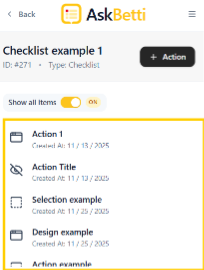
Open the extension and select a checklist Item.
Click on Action.
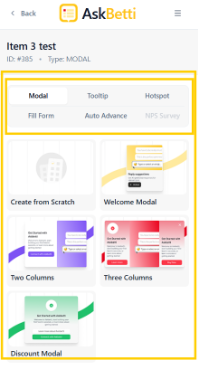
Select either Tooltip, Hotspot or Auto Advance to use the Select Element option
Click on Select Element.
Select an element from the webpage
Add content to the modal
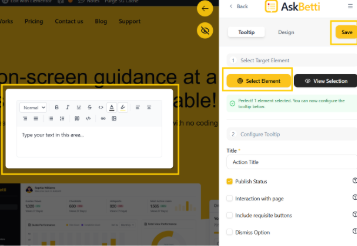
Click on Save
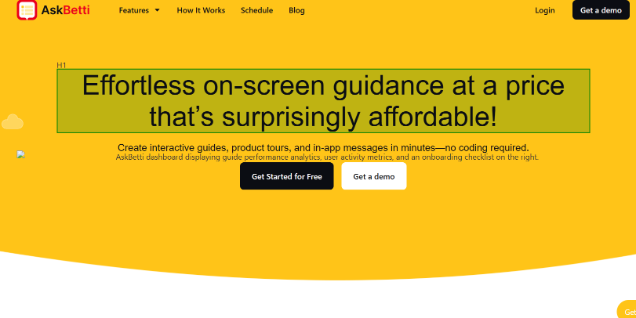
That’s how it looks like when selecting an element:
If you have any questions or need further assistance, please contact our support team.