
The Hotspot is a subtle, highlighted area designed to visually draw the user's attention to a specific element on the webpage. This action serves as a non-intrusive indicator to focus the user's eye on a critical area.
To create a hotspot from scratch
Open the AskBetti extension on your website.
In the panel on the right, select the Checklist Item you want to add an action to.
Click on + Action button.
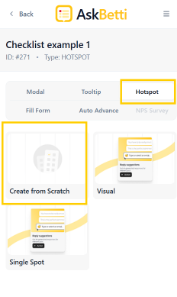
Choose Hotspot as the action type.
Select Create from Scratch from the available templates.
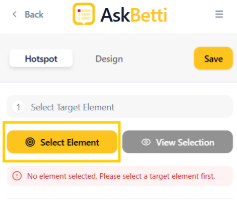
Click the Select Element button, and then click on the specific area of your webpage where you want the hotspot to appear. This will link the hotspot to that element.
Customize your hotspot.
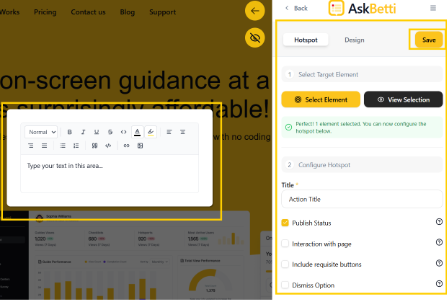
Click Save.
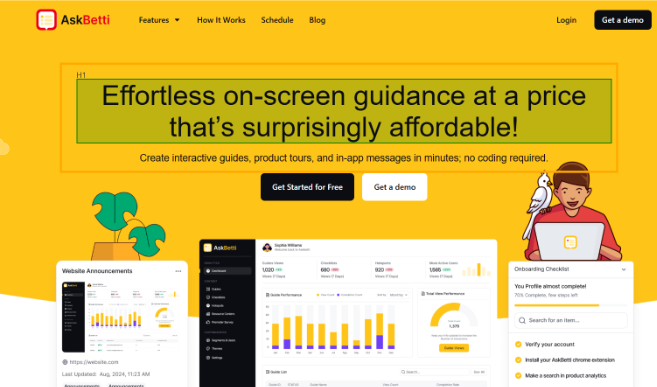
Note: Selectable element will be highlighted when you hover them.
If you have any questions or need further assistance, please contact our support team.