
A Checklist Action is the fundamental, specific event triggered when a user engages with a Checklist Item. It defines the interactive content, behavior, or validation process that is executed on the page.
To create a new checklist action:
- Open your website and log in to the AskBetti web extension.
- Click on the extension icon and select the checklist you want to work on.
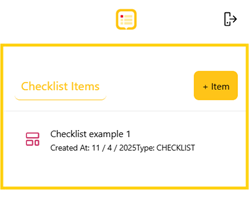
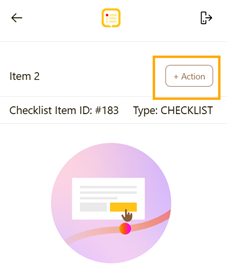
- In the right-hand panel, click on the + Action button.
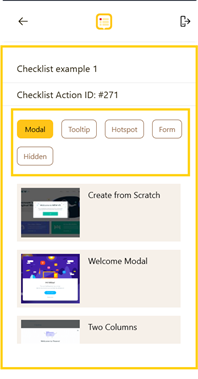
- Choose the type of action you want to create: Modal, Tooltip, Hotspot, Form, or Hidden.
- Modal: Popup window at a page location.
- Tooltip: Text shown when hovering over page text.
- Hotspot: Highlights a specific page area.
- Form: To assist with forms, this feature only works with form field.
- Hidden: To autofill
- The configuration panel for your chosen action will appear.
- Configure the Action
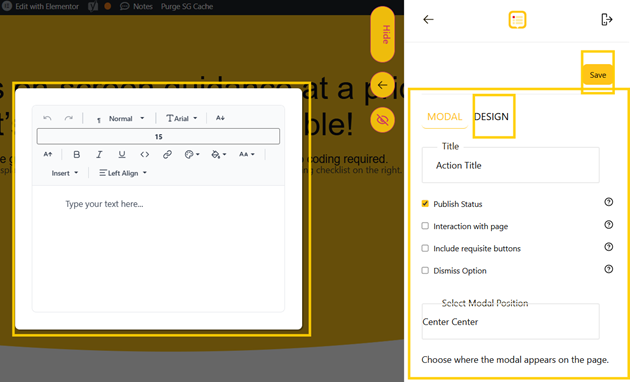
- Click on Save
If you have any questions or need further assistance, please contact our support team.