
You can add images to any of your modal templates using the content editor.
To add an Image:
Open the AskBetti extension and select the Modal action you want to edit.
In the modal's content area, click on the Gallery icon
 .
.
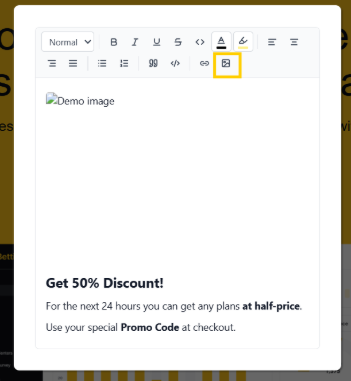
You will then be able to upload or select the image you want to use.
Click on Save.
If you have any questions or need further assistance, please contact our support team.